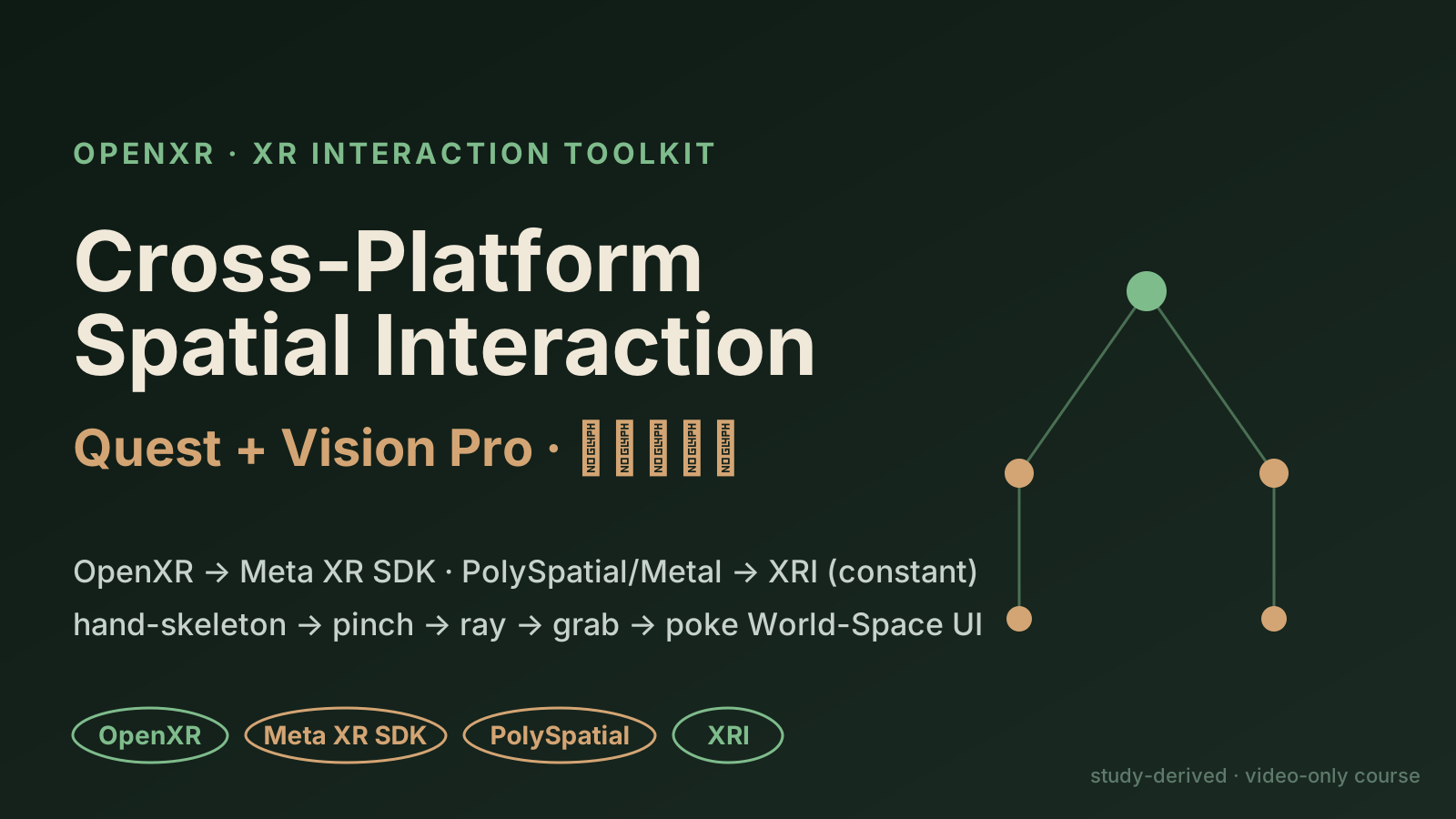
Cross-Platform Spatial Interaction Layer (Quest + Vision Pro)
A study-derived case from the SpatialXR Unity video courses: unify XR interaction across Quest and Vision Pro — OpenXR at the base, a forking device layer (Meta XR SDK vs PolySpatial/Metal), but a constant XR Interaction Toolkit on top. Not a shipped Unity app.
The layering approach comes from the SpatialXR (广州虚境起源) Unity spatial-computing video courses (the Meta Quest and Apple Vision Pro tracks). The courses are video-only (.sz = renamed MP4, no subtitles) + password-locked RAR materials; only 3 PDFs were readable, which supplied the real SDK / component vocabulary — so the interaction flow and layered architecture below are documented from those. On top of that, this ships a runnable Unity project (OpenXR + XRI, Quest-first, with a Vision Pro / PolySpatial path) — see "Companion Unity project" below.
The core judgment: the device layer forks, the interaction layer should not
The easy trap when targeting both Quest and Vision Pro is writing a separate interaction stack per platform. The cleaner approach the course documents is to layer it:
- Base: OpenXR — the cross-vendor standard, the foundation of portability
- Device / render layer (the fork):
- Quest uses the Meta XR SDK (the course spans v72 → v76+, layered on top of OpenXR)
- Vision Pro uses Unity PolySpatial (RealityKit) or Metal — the two visionOS render modes
- Interaction layer: XR Interaction Toolkit (XRI) — kept constant; grab / ray / poke-UI interactions are not rewritten per platform
                       ┌─────────────────────────────┐
app / interaction logic │  XR Interaction Toolkit (XRI) │  ← constant across platforms
                       └─────────────────────────────┘
                                ▲           ▲
          ┌─────────────────────┘           └─────────────────────┐
device/render │ Meta XR SDK (v72→v76+) │   │ PolySpatial (RealityKit) · Metal │  ← the fork
          └────────────────────────┘   └──────────────────────────────────┘
                                ▲           ▲
base                     └──────── OpenXR ────────┘  ← portability foundation
Real XRI components (from the course PDFs)
| Category | Component | Notes |
|---|---|---|
| Grabbable | XRGrabInteractable | Movement Type: Instantaneous / Kinematic / Velocity-Tracking; Throw On Detach controls release-to-throw |
| Two-hand transform | XRGeneralGrabTransformer | two hands on one object → scale / rotate |
| Interactor | XRSpatialPointerInteractor | was XRTouchSpaceInteractor before PolySpatial 2.0.4 |
| Interactor | Near-Far Interactor / XR Poke Interactor | near-field poke / far-field ray |
| visionOS feedback | VisionOSHoverEffect / VisionOSGroundingShadow | hover highlight / grounding shadow |
| Render container | Volume Camera | PolySpatial's volume camera |
| World-Space UI | Tracked Device Graphic Raycaster + InputSystemUIInputModule | makes 3D-space UI ray- and poke-interactable |
The XRGrabInteractable Movement Type is a nice contrast: Kinematic keeps the object glued to the hand (good for precise manipulation); Velocity-Tracking tracks hand velocity and, with Throw On Detach, lets you actually throw the object. The demo toggles between these two per platform.
The hand-tracking chain
The hand tracking the course documents is a progressive chain:
hand skeleton (26 joints) → joint rendering → drive virtual hand → bind objects to joints → gesture recognition
                                                                                          │
                                                          thumb + index pinch → treated as a button
Once the pinch gesture is normalized into "button" semantics, it reuses XRI's select event — no separate input stack just for gestures.
A full interaction (the flow the demo replays)
raw hand joints
  └─> pinch detection (thumb + index)
        └─> ray hits a distant XRGrabInteractable
              └─> grab
                    ├─ Quest: Kinematic (follows the hand)
                    └─ Vision Pro: Velocity-Tracking (Throw On Detach)
              └─> World-Space UI: XR Poke Interactor pokes a button
                    (via Tracked Device Graphic Raycaster + InputSystemUIInputModule)
The interactive demo makes this chain a clickable replay with a Quest ⟷ Vision Pro toggle: toggling swaps only the "device / render layer" cell's SDK name; the "OpenXR" and "XRI" cells stay green (constant) — making it obvious where the fork is and where portability comes from.
Companion Unity project (runnable)
The web demo visualizes the interaction flow; the actually-runnable piece is a standalone Unity 6 project: spatial-xr-interaction/.
- Code is the interaction:
SpatialInteractionBootstrapspawns, at runtime, two grabbables (Kinematic vs Velocity-Tracking) + a World-Space poke button;HandPinchDetectordoes thumb↔index pinch via XR Hands;PlatformLayerdetects Quest / Vision Pro / Editor and logs the fork point. - Cross-platform via layering: OpenXR + the XRI Starter Assets provide the XR Origin and interactors; the project code only writes the content to interact with, never per-platform interaction code.
- How to run: open in Unity 6 → import the XRI Starter Assets sample → enable OpenXR + the Meta Quest feature group in XR Plug-in Management → attach the bootstrap script → play in-editor via the XR Device Simulator, or Build And Run to a Quest (Android). Vision Pro goes through PolySpatial (opt-in steps in the README).
Honest note: the project code is authored from public Unity XR docs + the course's documented component vocabulary (the course is video-only, no source), and has not yet been compiled in a Unity Editor on this machine (only Unity Hub is installed, no Editor) — verify on open; an XRI minor-version API name may need a tweak. The README spells this out.
What this signals
- Cross-platform XR architecture judgment: knowing what should converge (OpenXR + XRI) and what must fork (Meta XR SDK vs PolySpatial/Metal)
- OpenXR portability: building on the standard instead of locking to a single vendor
- Depth on Apple spatial computing: understanding visionOS's PolySpatial (RealityKit) vs Metal render-mode split, plus Apple-specific feedback components like
Volume Camera/VisionOSHoverEffect/VisionOSGroundingShadow - From docs to a buildable project: turning a video course's documented architecture into a real, buildable Unity 6 project (OpenXR + XRI), not stopping at slide recitation
What the demo replays
The web demo replays the documented XRI interaction chain (hand-skeleton → pinch → ray → grab → poke World-Space UI), with a Quest ⟷ Vision Pro toggle showing where the device/render layer forks and why XRI stays constant. Component names (XRGrabInteractable / XR Poke Interactor / PolySpatial / Volume Camera, etc.) are from the course PDFs. The actually-runnable piece is the companion Unity 6 project (spatial-xr-interaction/, OpenXR + XRI) — code authored from public Unity XR docs + the course vocabulary (course is video-only, no source), not yet compiled here, so verify on open.