Cross-Platform Spatial Interaction Layer (Quest + Vision Pro)
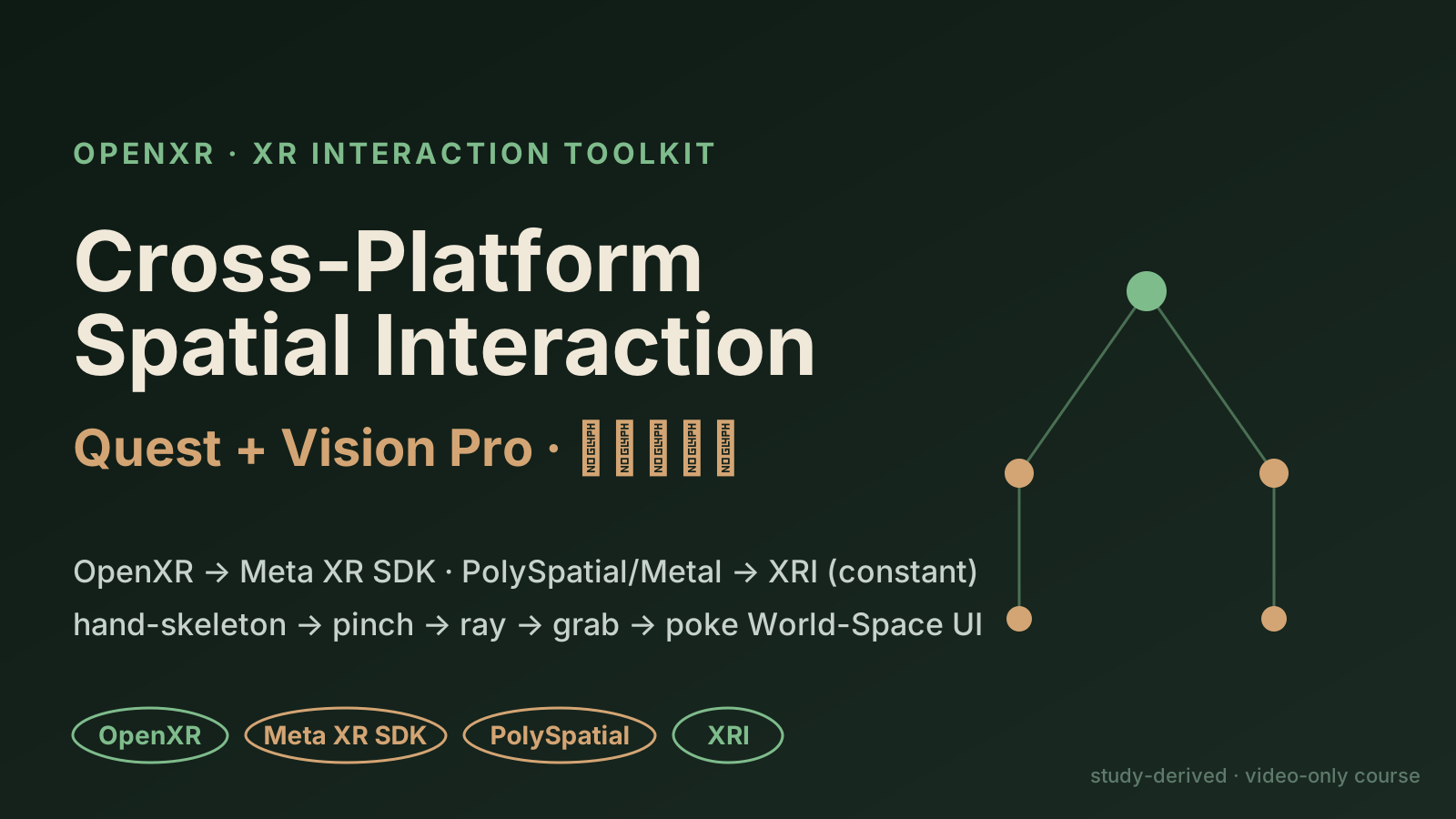
A study-derived case from the SpatialXR Unity video courses: OpenXR at the base, a forking device layer (Meta XR SDK vs PolySpatial/Metal), and a constant XR Interaction Toolkit on top. One chain: hand-skeleton → pinch → ray → grab → poke World-Space UI. A companion runnable Unity project is open-sourced.
A staged replay of the documented XRI interaction chain (hand-skeleton → pinch → ray → grab → poke World-Space UI), with a Quest ⟷ Vision Pro toggle: the device/render layer forks (Meta XR SDK vs PolySpatial/Metal) but the XR Interaction Toolkit layer stays constant.
Why this local version exists
This web demo visualizes the documented interaction flow; the runnable piece is a companion Unity 6 project (spatial-xr-interaction/, OpenXR + XRI). The layering comes from the SpatialXR video courses (video-only + locked RAR, 3 readable PDFs); component names are taken verbatim from those PDFs. The Unity code is authored from public Unity XR docs + that vocabulary and not yet compiled here — verify on open.
Cross-platform spatial interaction: hand → pinch → ray → grab → poke UI
Replays the documented XRI interaction chain. Toggle Quest ⟷ Vision Pro: the device/render layer forks (Meta XR SDK vs PolySpatial/Metal), but the XR Interaction Toolkit layer on top stays constant — that is where cross-platform portability comes from.
Interaction flow (hand-skeleton → grab → poke UI)
Platform Quest: grab Movement Type shown as Kinematic (follows the hand); World-Space UI via Tracked Device Graphic Raycaster + InputSystemUIInputModule.
1. Hand-skeleton tracking: 26 joints drive the virtual hand
2. Gesture recognition: thumb + index pinch → treated as a button
3. Ray hit: the interactor selects a distant XRGrabInteractable
4. Grab: Kinematic follows the hand vs Velocity-Tracking lets you throw
5. World-Space UI: an XR Poke Interactor pokes the button
Layered architecture (green = cross-platform constant)
What to try
Run the chain: raw hand joints → pinch → ray hit → grab → poke a World-Space UI button.
Toggle Quest ⟷ Vision Pro and watch only the device/render layer swap SDKs — OpenXR and XRI stay green (constant).
Note the grab Movement Type: Kinematic (follows the hand) vs Velocity-Tracking (Throw On Detach lets you throw).
What this demo proves
You think in cross-platform XR architecture: converge on OpenXR + XRI, accept the device-layer fork.
You understand the Apple side: PolySpatial (RealityKit) vs Metal render modes, plus Volume Camera / VisionOS hover + grounding-shadow components.
You scope honestly — a study-derived replay from a video-only course, not a pretend shipped app.
Layering
OpenXR → Meta XR SDK · PolySpatial/Metal → XRI (constant)
XRI components
XRGrabInteractable · XR Poke Interactor · Tracked Device Graphic Raycaster
Best signal
Cross-platform XR portability with depth on the Apple PolySpatial/Metal split