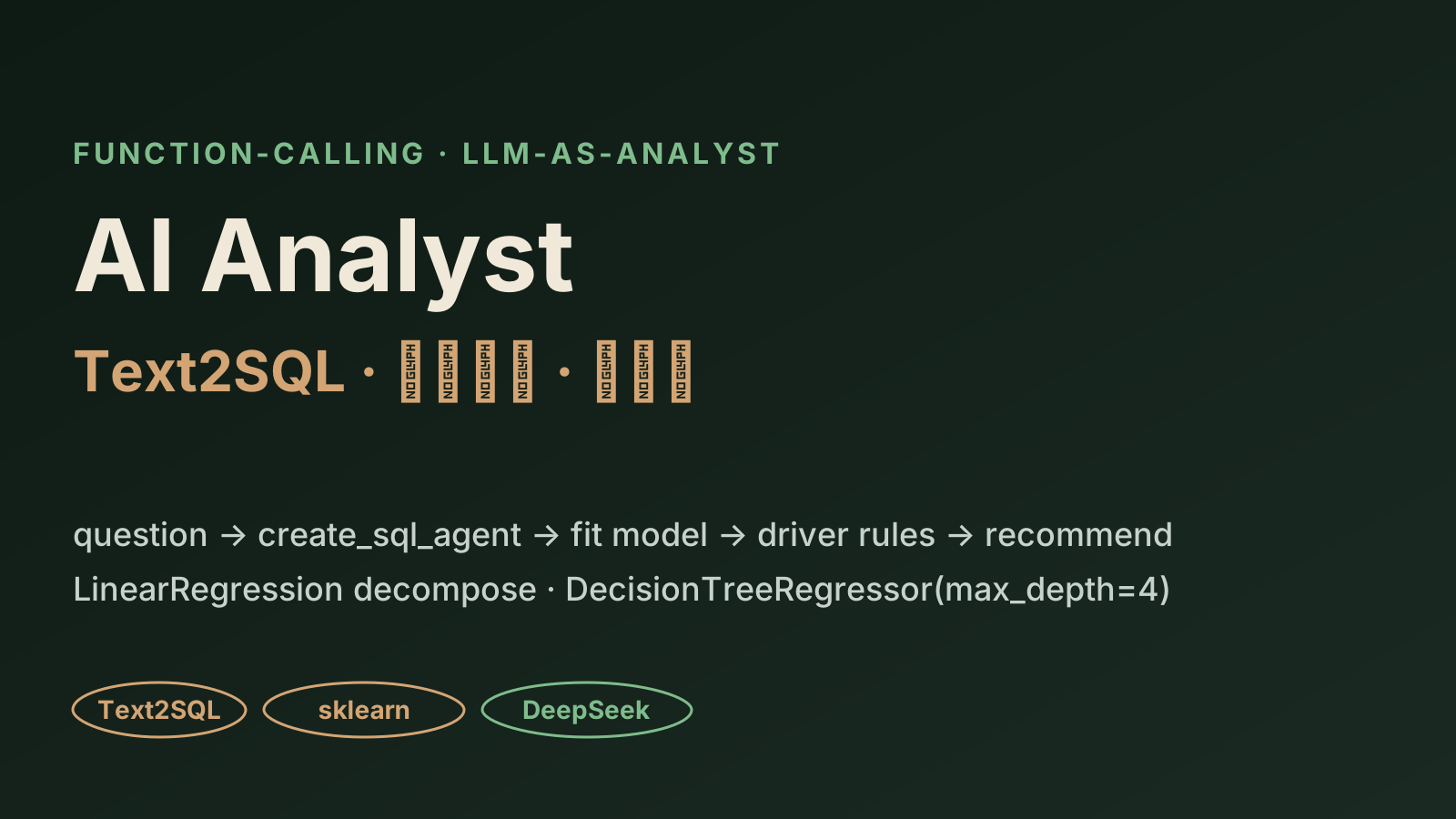
AI Analyst — an LLM that builds its own models
An LLM acting as an analyst: it orchestrates tools via Function-Calling — Text2SQL (create_sql_agent) pulls features from MySQL, then it fits interpretable models on the fly (linear regression to decompose spend + a decision tree to find drivers), then gives an actionable recommendation. The point isn't NL→SQL→chart — it's an LLM that builds its own models.
The net-new angle here is not "turn a sentence into SQL", and not "NL→SQL→chart". This site already has two NL2SQL projects. Here the LLM is an analyst that builds its own models: it orchestrates tools via Function-Calling — it writes SQL to pull features, then fits a small interpretable model on the fly (linear regression + a decision tree), reads "what drives the business" out of the coefficients and tree rules, and returns an actionable recommendation. It is grounded in the real code from the 极客 "AI Data Analysis Bootcamp": the restaurant / theme-park analytics assistant, Text2SQL, and the modeling notebooks.
How it differs from the other two NL2SQL projects here
This site already has:
- Enterprise NL2SQL Fine-Tuning System — trains an NL2SQL model with LlamaFactory LoRA (it changes weights).
- NL2SQL Data-Analysis Agent — a Vanna-forked RAG agent that turns a sentence into SQL → queries the DB → renders a chart (NL→SQL→chart).
| Those two NL2SQL projects | This project (AI Analyst) | |
|---|---|---|
| Endpoint | SQL result + chart | a fitted interpretable model + recommendation |
| LLM's role | translate the question into SQL | act as an analyst: pull data → build its own model → explain |
| Libraries | LangChain / Vanna / LlamaFactory | LangChain + scikit-learn + deepseek |
| Net-new capability | NL→SQL | the LLM auto-fits regression / decision trees, reads off drivers, and recommends |
In one line: the first two "let the model write your query"; this one "lets the model do your analysis".
Three tools, orchestrated by the LLM itself
The agent uses Function-Calling (base deepseek-chat / Qwen-Agent) and calls three kinds of tools on demand:
business question
  └─> LLM agent (Function-Calling) plans
        ├─ tool: text2sql_tool       → pull the needed features
        ├─ tool: auto_model_tool     → fit an interpretable model on the fly
        └─ summarize                 → chart + rules + recommendation
1. Text2SQL tool (pull features)
Uses LangChain's create_sql_agent + SQLDatabaseToolkit over a MySQL business DB. The agent introspects the schema, then generates and runs SQL to pull every feature the model needs (event / holiday / ticket-price / promo / weather + per-capita spend) in one shot:
from langchain_community.agent_toolkits import create_sql_agent, SQLDatabaseToolkit
from langchain_community.utilities import SQLDatabase

db = SQLDatabase.from_uri(MYSQL_URI)            # business DB (connection string via env, never committed)
toolkit = SQLDatabaseToolkit(db=db, llm=llm)
sql_agent = create_sql_agent(llm=llm, toolkit=toolkit, verbose=True)
# sql_agent auto-introspects the schema → emits SELECT → runs it → returns rows
2. Auto-modeling tool (this is the net-new angle)
With the features in hand, the agent doesn't just plot — it fits an interpretable model on the fly, then reads the coefficients / rules back as plain language. Two paths:
a) Linear regression to decompose per-capita spend — split F&B spend into normal / stored-card / promo terms:
from sklearn.linear_model import LinearRegression
# Money_normal·N_normal + Money_card·N_card + Money_promo·N_promo ≈ revenue
reg = LinearRegression().fit(X, y)
# read reg.coef_ → which term contributes most
b) Decision tree to find drivers — which factors drive F&B revenue (events / holidays / ticket-price / promo / weather):
from sklearn.tree import DecisionTreeRegressor, export_text, plot_tree
tree = DecisionTreeRegressor(max_depth=4).fit(X, y)
print(export_text(tree, feature_names=cols))   # human-readable if-else rules
plot_tree(tree)                                 # tree figure
# tree.feature_importances_ → ranked drivers
max_depth=4 is deliberate: a shallow tree reads cleanly as rules and can be explained to business stakeholders. Interpretability is prioritized over a sliver of fit accuracy — which is exactly the point of this tool.
3. Return: chart + rules + recommendation
Finally the agent summarizes the regression coefficients, decision-tree rules, and feature importances into a plain-language recommendation (e.g. "concentrate promo budget on non-event weekdays; schedule events to cover holidays") with a chart.
What the demo shows
The demo is a replay of the real tool orchestration (illustrative data)
The interactive demo replays one real agent orchestration: given a theme-park F&B business question, watch the LLM call its tools step by step — Text2SQL (create_sql_agent) pulls features, LinearRegression decomposes spend, DecisionTreeRegressor(max_depth=4) + export_text finds the drivers, and a recommendation is produced. The SQL, coefficients, and tree rules use illustrative sample values (labeled as such), but the tools, libraries, and models (create_sql_agent + SQLDatabaseToolkit + LinearRegression / DecisionTreeRegressor + deepseek) come from the course's real code. The course has 58 video lessons with no subtitles, so this is anchored on the real code — with no fabricated metrics.
What this signals
- LLM as analyst, not just translator: from "turn the question into SQL" up to "pull data → build its own model → read off drivers → recommend".
- Interpretability first: linear regression + a shallow decision tree (max_depth=4) are chosen because coefficients and if-else rules can be told to stakeholders, not because they're a black box.
- Tool orchestration: Function-Calling splits Text2SQL and auto-modeling into separate tools; the LLM decides the call order per question.
- Grounded, not slideware: built on the course's real code (langchain / sklearn / deepseek), not a PPT concept.