AI Analyst — an LLM that builds its own models
An LLM acting as an analyst: it orchestrates tools via Function-Calling — Text2SQL (create_sql_agent) pulls features from MySQL, then it fits interpretable models on the fly (linear regression to decompose spend + a decision tree to find drivers) and returns an actionable recommendation. The net-new angle is an LLM that builds its own models, not NL→SQL→chart.
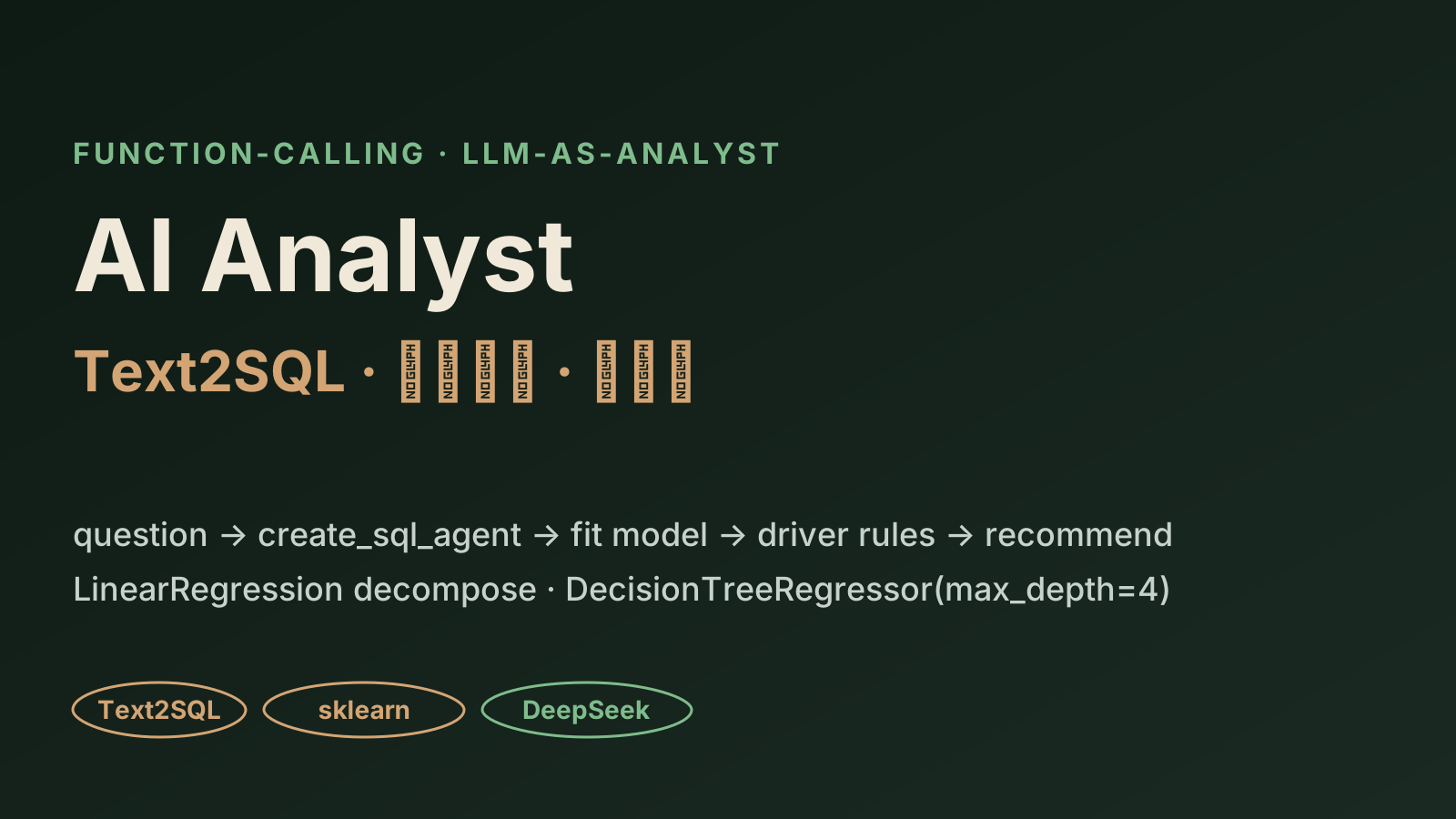
An LLM acting as an analyst, not just a NL→SQL translator. On a sample F&B business question, watch it orchestrate tools via Function-Calling: Text2SQL (create_sql_agent) pulls features, then it fits its own interpretable models — LinearRegression to decompose per-capita spend, DecisionTreeRegressor(max_depth=4) + export_text to find drivers — and returns a recommendation.
Why this local version exists
The tools, libraries, and models (create_sql_agent + SQLDatabaseToolkit + LinearRegression / DecisionTreeRegressor + deepseek) come from the course's real code. The SQL, coefficients, and tree rules in the replay use illustrative sample values (labeled as such); the 58 video lessons have no subtitles, so this is anchored on the code, with no fabricated metrics.
Run the AI Analyst tool orchestration
An LLM acting as an analyst: writes SQL to pull features (Text2SQL) → fits its own interpretable models (linear regression to decompose spend + a decision tree to find drivers) → returns a recommendation. Watch the tool calls.
Business question
Which factors drive the theme-park F&B per-capita spend? Give one actionable recommendation.
agent.plan (Function-Calling)
deepseek-chat / Qwen-Agent reads the question → decides: pull features, then fit an interpretable model.
text2sql_tool
LangChain create_sql_agent + SQLDatabaseToolkit → introspect schema → emit + run SQL on the MySQL business DB.
auto_model_tool · LinearRegression
Decompose per-capita F&B spend into normal / card / promo terms → read the coefficients.
auto_model_tool · DecisionTreeRegressor(max_depth=4)
export_text / plot_tree → which factors drive revenue: events / holidays / ticket-price / promo / weather.
agent.summarize
Turn coefficients + tree rules into a human-readable recommendation.
Activity log
Run the analysis to watch the LLM call its tools one by one: write SQL → fit models → recommend.
Tool outputs
What to try
Run the analysis and follow the tool calls: plan → Text2SQL → fit linear → fit tree → recommend.
Read the SQL the create_sql_agent emits, then the LinearRegression decomposition of per-capita spend (normal / card / promo terms).
See the DecisionTreeRegressor(max_depth=4) driver rules + feature importances, and how they turn into a recommendation.
What this demo proves
You can make an LLM act as an analyst — pull data, fit its own model, read off drivers, recommend — not just translate NL to SQL.
You choose interpretable models on purpose (linear regression + a shallow tree) so coefficients and if-else rules can be explained to stakeholders.
You design tool orchestration: Text2SQL and auto-modeling as separate Function-Calling tools the LLM sequences itself.
Net-new angle
LLM auto-fits interpretable models (regression + tree) and recommends — not NL→SQL→chart
Stack
Function-Calling (deepseek-chat / Qwen-Agent) · LangChain create_sql_agent + SQLDatabaseToolkit · scikit-learn
Models
LinearRegression (decompose spend) + DecisionTreeRegressor(max_depth=4) + export_text