Enterprise NL2SQL Fine-Tuning System
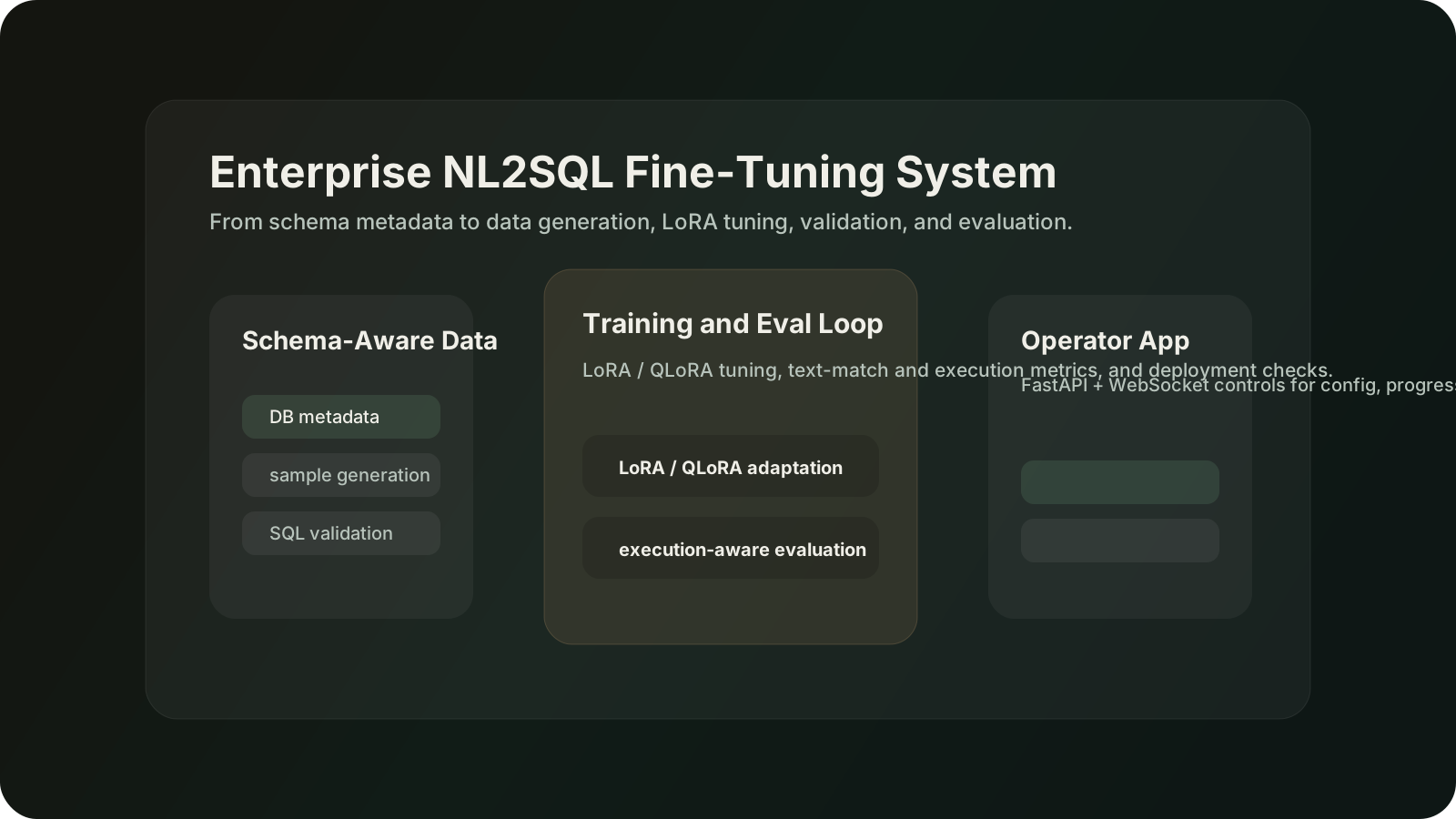
An enterprise NL2SQL pipeline that generates schema-aware training data, then supports tuning, validation, and evaluation for natural-language SQL workflows.
The project's real two-half shape: a 6-step pipeline that turns a private DB into Alpaca-format training data, then a LLaMA-Factory LoRA recipe on Qwen3-4B. The before/after eval numbers (BLEU-4 10.25 → 22.90, ROUGE-L 10.31 → 28.05) are lifted verbatim from the notebook.
Why this local version exists
Nothing fabricated. The Alpaca samples, LLaMA-Factory command, eval table, and the DeepSeek-Coder branch numbers (91% syntax-valid, 61% execution-match, 0.59% trainable params) are all directly from 案例7 notebook 企业私有化Nl2SQL模型微调实战.ipynb.
From a private DB to a fine-tuned Qwen3-4B NL2SQL model
The project ships two halves: a six-step pipeline that turns DB metadata into Alpaca-format training data (data_create), and a LLaMA-Factory LoRA recipe on Qwen3-4B (nl2sql_fine_tuning). The numbers below are the predict_with_generate eval before vs after that LoRA pass.
data_create · 6-step generation pipeline
modules/db_connector.py
PyMySQL / psycopg2 / pyodbc · validate reachability of MySQL / Postgres / SQL Server.
modules/metadata_extractor.py
All columns (name, type, nullable, comment) + primary keys + foreign keys.
modules/table_cards.py
Compress full metadata into LLM-digestible table cards; preserve FK links.
modules/planner.py · LLM stage A
LLM groups related tables into business topics and allocates a per-topic sample budget.
modules/generator.py · LLM stage B
Per topic: build prompt with simplified DDL + dialect → LLM emits NL ↔ SQL pairs; auto-补充 if topic count is short.
modules/validator.py + exporter.py
SQLGlot syntax check → write Alpaca / ShareGPT JSONL (nl2sql.jsonl) → ready for LLaMA-Factory --dataset sql_train_alpaca.
Real Alpaca-format training sample
The canonical Spider / CSpider DB used in the notebook (cell 91) as the schema-aware NL2SQL textbook case.
CREATE TABLE singer (
Singer_ID INT PRIMARY KEY,
Name TEXT,
Country TEXT,
Song_Name TEXT,
Song_release_year TEXT,
Age INT,
Is_male BOOL
);
CREATE TABLE concert (
concert_ID INT PRIMARY KEY,
concert_Name TEXT,
Theme TEXT,
Stadium_ID INT,
Year TEXT
);
{
  "instruction": "将下面的自然语言问题转换为SQL查询语句。",
  "input":       "How many singers do we have?",
  "output":      "SELECT count(*) FROM singer"
}
This is exactly the Alpaca shape LLaMA-Factory expects via --dataset sql_train_alpaca.
Stage 1 · LLaMA-Factory CLI · real train command
llamafactory-cli train \
    --stage sft \
    --model_name_or_path /home/ubuntu/Qwen3-4B \
    --finetuning_type lora \
    --template qwen3_nothink \
    --dataset_dir data \
    --dataset sql_train_alpaca \
    --cutoff_len 2048 \
    --learning_rate 5e-05 \
    --num_train_epochs 3.0 \
    --per_device_train_batch_size 8 \
    --gradient_accumulation_steps 8 \
    --lr_scheduler_type cosine \
    --bf16 True \
    --lora_rank 8 \
    --lora_alpha 16 \
    --lora_target all
Effective batch = 8 × 8 = 64 · cosine scheduler · bf16 mixed precision · LoRA on all linear layers. Loss drops from ~3.0 → ~0.3 over ~400 steps (notebook §10).
predict_with_generate eval · before → after LoRA
| Metric | Before | After | Δ |
|---|---|---|---|
| BLEU-4 | 10.25 | 22.90 | +123%, 不可用 → 可用 |
| ROUGE-1 | 19.14 | 44.67 | +133%, 差 → 良好 |
| ROUGE-2 | 5.35 | 14.54 | +172%, 很差 → 中等 |
| ROUGE-L | 10.31 | 28.05 | +172%, 差 → 良好 |
Same dataset, same generation config (max_new_tokens=512, top_p=0.7, temperature=0.95). Inference speed essentially unchanged (0.94 → 0.904 samples/sec on ~1034 dev samples).
Stage 2 · nl2sql_fine_tuning/ on DeepSeek-Coder 6.7B
Files: train_lora.py · eval_model.py · vllm_test.py · utils.py · README.md · requirements.txt. Default params: rank=16, alpha=32, early-stopping patience=3, auto Alpaca / ShareGPT format detection.
eval_model.py runs both --eval_text_match (Exact-Match + Token-F1) and --eval_sql_execution (run the predicted SQL on a real DB, compare result sets). The project counts execution-match as the truth signal. Deploy via vLLM API server (OpenAI-compatible) on port 8000.
Real LoRA target_modules (train_lora.py:265): [q_proj, k_proj, v_proj, o_proj, gate_proj, up_proj, down_proj] · all 7 linear layers of the Llama / DeepSeek attention + MLP blocks.
Real planner prompt · modules/planner.py:_build_planning_prompt
你是数据库分析专家。以下是数据库表卡片摘要:
{table_cards_text}

请基于以上数据库结构,规划出若干个业务主题(topics),
每个主题选择 {min_tables}~{max_tables} 张相关联的表,
用于生成 NL2SQL 训练样本。

要求:
1. 主题应覆盖不同业务场景(用户分析、订单统计、销售报表…)
2. 每个主题的表应有业务关联性(外键或业务逻辑)
3. 所有主题的 count 之和 = {total_samples}
4. 每个主题至少 20 个样本

输出 JSON:
{
  "topics": [
    { "name": "...", "tables": [...], "reason": "...",
      "count": 100, "dialect": "{dialect}" }
  ]
}
Output is JSON-validated by _validate_and_adjust_plan: tables must resolve to metadata; counts re-scaled by ratio if drift; at least 1 sample per topic; topics auto-trimmed if total_samples is small.
modules/validator.py · 3-layer SQL check (in order)
1_check_syntax(sql, dialect)
sqlglot.parse_one(sql, read=dialect) — 失败立即 reject。
2_check_schema(sql, dialect)
遍历 exp.Table / exp.Column;构建别名映射 alias_to_table;表名+列名必须落到 metadata.table_columns。
3_check_execution(sql) · 可选
只允许 SELECT;自动加 LIMIT 1;db_connector.execute_query 真跑一次。
Same table_columns index serves both data_create (validates LLM-generated SQL) and nl2sql_fine_tuning (validates the model's predictions before grading).
nl2sql_fine_tuning/utils.py · 5 metric functions used by eval_model.py
normalize_sql(sql)sqlparse.format(keyword_case="lower", strip_comments=True) → 单行空格归一。
calculate_exact_match(preds, refs)两边都 normalize_sql 后字符串比较 — 严格但稳定。
calculate_token_f1(pred, ref)re.findall(r"\w+", lower) → set;precision · recall · F1。
calculate_execution_accuracy(preds, refs, executor)逐条 executor.execute_sql 跑生成 SQL → execution_success_rate;再 executor.compare_results 比执行结果集 → result_match_rate。
extract_sql_from_output(output)从模型输出里抠 ```sql ... ``` 代码块;处理「我先解释一下…」之类的冗余。
SQLExecutor reuses one PyMySQL connection across the whole eval pass (execute_batch()) — that's the trick behind the 351 samples/s number; without connection reuse it's ~10x slower.
What to try
Switch between the Spider concert_singer schema and the project's 中文销售 example — same Alpaca shape, different SQL dialect.
Read the llamafactory-cli command — lora_rank 8, alpha 16, cosine, bf16, 3 epochs. Effective batch = 8 × 8 = 64.
Compare BLEU-4 / ROUGE-L before vs after LoRA — these are real predict_with_generate metrics, not hand-picked.
What this demo proves
You can ship the full lifecycle: private-DB metadata → Alpaca data → LLaMA-Factory LoRA → predict_with_generate eval.
You separate text-match metrics (BLEU/ROUGE) from execution-match (run the SQL, compare result sets) — the project counts execution as the ground truth.
You know which lever does what: LoRA gets you syntax, more training samples get you execution accuracy, vLLM gets you serving throughput.
Stack
Qwen3-4B + LLaMA-Factory LoRA (r=8, α=16) · DeepSeek-Coder 6.7B branch · vLLM 351 samples/s
Real eval
BLEU-4 10.25→22.90 · ROUGE-1 19.14→44.67 · ROUGE-L 10.31→28.05
Execution-match
DeepSeek-Coder branch: 91% syntax-valid, 61% execution-matches-gold